
Computer Parts Quiz
How the Scales are Structured
Who Usually Takes This Test?
See How You Compare
Below is a preview of how scores are typically distributed across each scale.
Example Questions From the Test
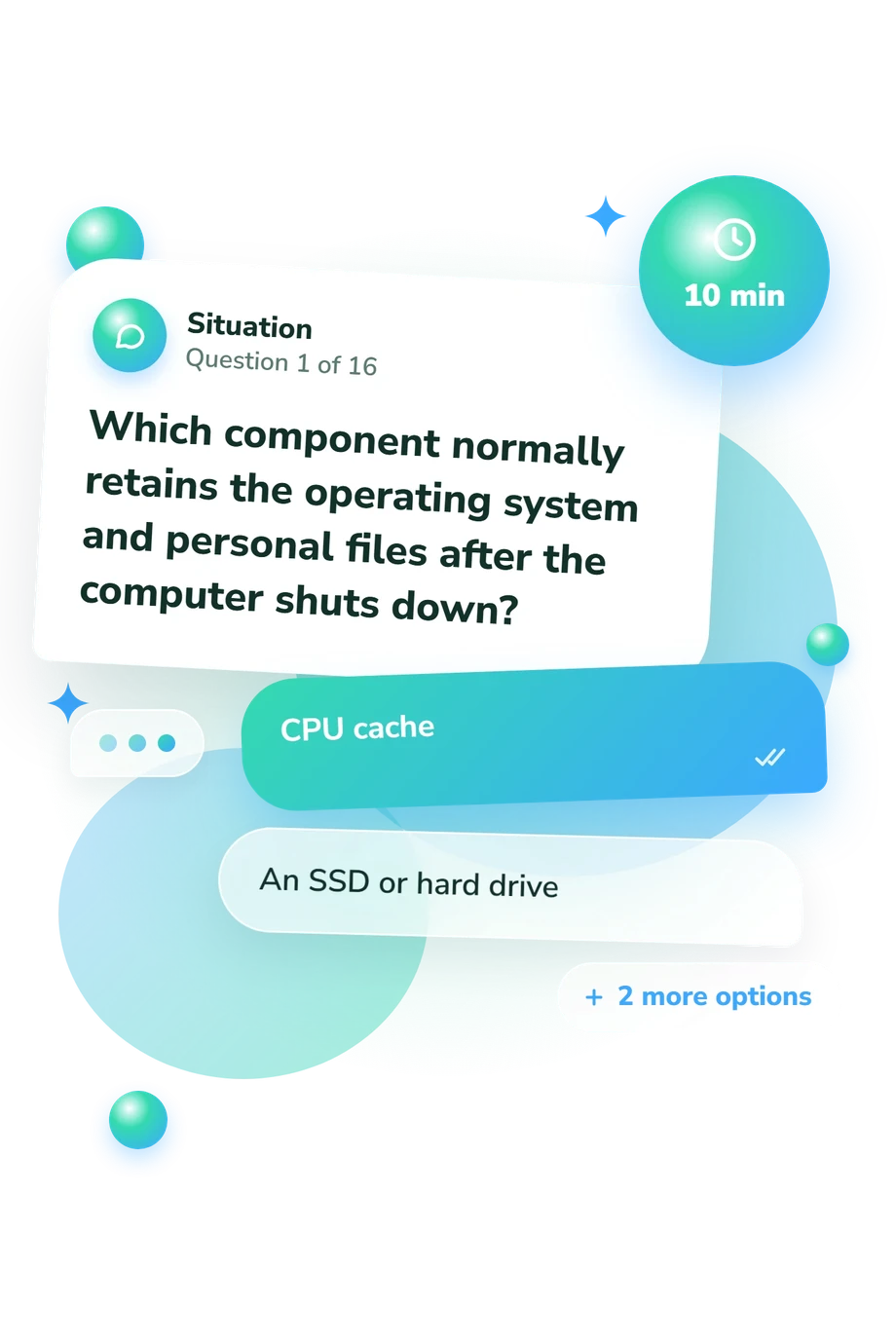
- CPU cache
- An SSD or hard drive
- System RAM
- Graphics memory
- A DIMM slot
- A PCI Express expansion slot
- A SATA data connector
- An M.2 storage socket
- To electrically power the cooling fan
- To fill microscopic surface gaps and improve heat transfer
- To prevent the motherboard from detecting the processor
- To fasten the processor permanently into its socket
Computer Parts Quiz - Description and methodology of the test
Designed for learners, home builders, and anyone refreshing practical PC knowledge, this computer parts quiz offers a structured way to review foundational hardware knowledge. As a computer hardware quiz, it can guide general study or help you identify concepts to revisit before basic troubleshooting. Its result can show which level of further learning may be useful.
What This Assessment Measures
Rather than testing abstract vocabulary, this assessment asks whether familiar hardware can be identified by role, form, or connection. As a quiz about the parts of a computer, it focuses on practical understanding of memory, storage, graphics, power, cooling, and component relationships.
The items cover four content groups:
- Component roles show how processing, memory, storage, graphics, power, and cooling differ.
- Interfaces match DIMM, SATA, PCI Express, and M.2 connections with their devices.
- Compatibility checks cover form factors, protocols, power capacity, and upgrade benefits.
- Troubleshooting links common symptoms with a sensible first check.
Together, these areas feed the Computer Parts Knowledge scale (0-16): Foundations to build (0-6) means review will help; Developing knowledge (7-12) shows useful understanding with gaps; Strong hardware knowledge (13-16) reflects command of core parts, compatibility, and basic troubleshooting.
Methodology and Evidence Base
Each item presents a short hardware situation or direct question with four answer choices. The respondent selects the best answer, while distractors use plausible but incorrect roles, locations, or connections. This multiple-choice format tests recognition and application of core PC concepts. The items in this computer components quiz ask respondents to identify roles, connections, and practical solutions.
The displayed result places the respondent in a knowledge band described above; it indicates hardware knowledge, not certification or mastery of every platform.
CompTIA A+ Core 1 (220-1101) is the closest technical reference for the hardware and troubleshooting content. Mueller and Soper provide a complementary repair and upgrade framework. The questionnaire is conceptually consistent with these works, but is not presented as an adaptation of either.
Peteranetz and Albano show how computing knowledge can be organized for assessment, while Cork, Detmer, and Friedman offer a related model of structured computer-knowledge measurement. Those studies support the approach, not this questionnaire's validity. The questionnaire has no reported norm group, reliability estimate, or independent validation; prior exposure, terminology familiarity, guessing, and test-taking context can affect results.
- CompTIA. CompTIA A+ Certification Exam: Core 1 (220-1101) Exam Objectives, Version 4.0. CompTIA, 2022.
- Mueller, Scott, and Mark Edward Soper. Upgrading and Repairing PCs: Field Guide. Que, 2001. ISBN 0-7897-2694-7.
- Peteranetz, Markeya S., and Anthony D. Albano. “Development and Evaluation of the Nebraska Assessment of Computing Knowledge.” Frontiers in Computer Science, vol. 2, 2020, article 11. 10.3389/fcomp.2020.00011.
- Cork, Randy D., William M. Detmer, and Charles P. Friedman. “Development and Initial Validation of an Instrument to Measure Physicians’ Use of, Knowledge about, and Attitudes Toward Computers.” Journal of the American Medical Informatics Association, vol. 5, no. 2, 1998, pp. 164-176. 10.1136/jamia.1998.0050164.
Updated: