
Funny Technology Quiz
How the Scales are Structured
Who Usually Takes This Test?
See How You Compare
Below is a preview of how scores are typically distributed across each scale.
Example Questions From the Test
- The equals sign
- The hash sign
- The at sign
- The ampersand
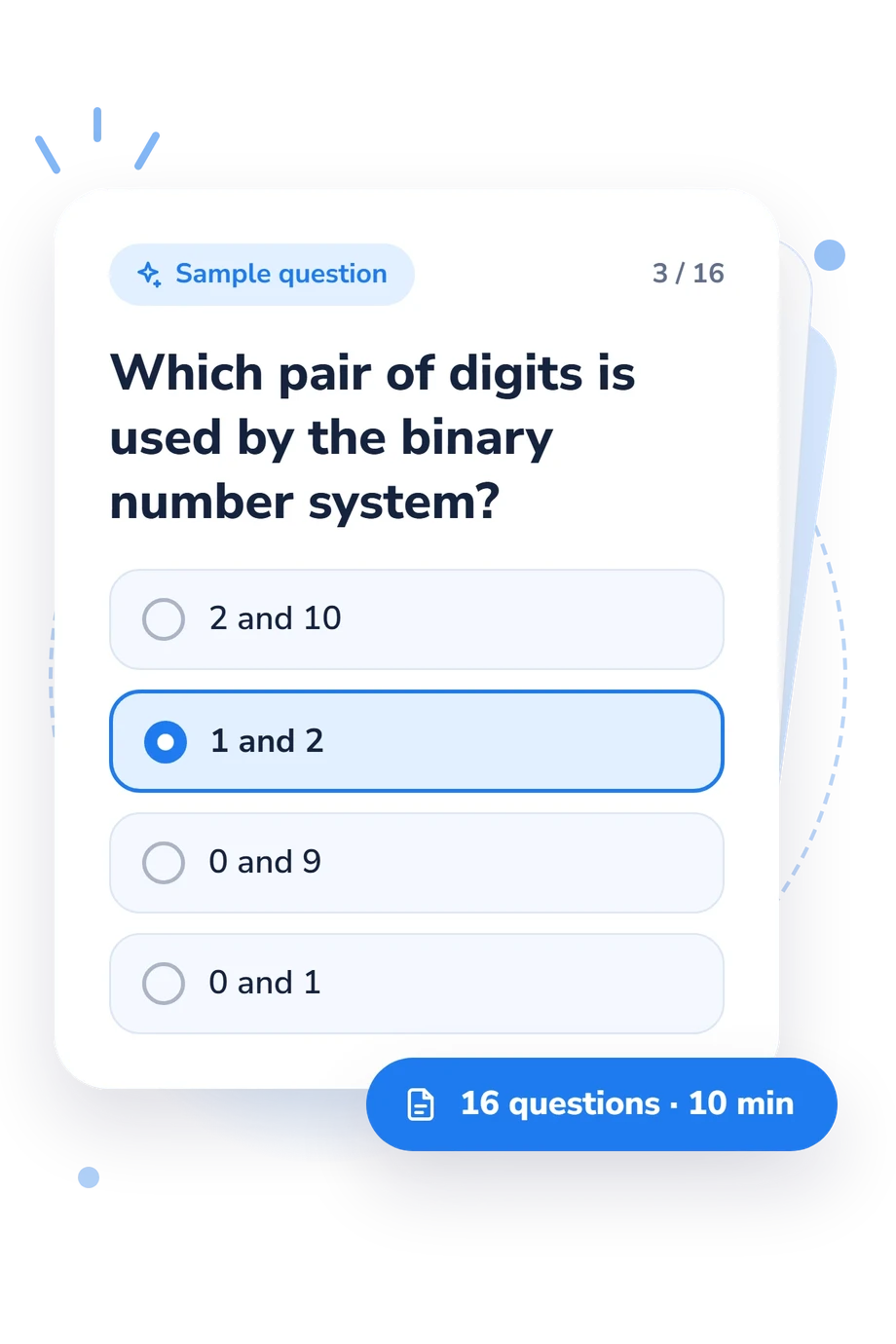
- 2 and 10
- 1 and 2
- 0 and 9
- 0 and 1
- It permanently upgrades every installed component
- It automatically replaces damaged hardware
- It clears temporary system state and reloads software processes
- It makes the internet provider increase your speed
Funny Technology Quiz - Description and methodology of the test
Curious everyday users can use this assessment to check whether familiar digital tasks rest on sound basic knowledge. The result from funny technology quiz questions and answers shows which practical concepts feel secure and which deserve review. Its situations make the technology quiz questions and answers relevant to learners, workers, and anyone building confidence with ordinary devices and online services.
What This Assessment Explores
Practical computer literacy, not specialist programming, is the focus, making this useful for readers who want general technical quiz questions tied to everyday decisions. Scenarios cover browsers, formulas, binary numbers, overheating, memory, operating systems, files, Wi-Fi, phishing, HTTPS, backups, and ransomware. They ask you to recognize explanations and choose sensible actions.
These thematic groups show what different parts of the result represent:
- Troubleshooting shows whether you recognize sensible first steps when software or devices misbehave.
- Hardware and systems indicate how well you identify components, memory, formats, and safe handling.
- Online safety and storage reveal whether you recognize phishing, HTTPS, backups, and ransomware.
- Digital foundations measure how you interpret binary notation and formulas.
Funny Technology Knowledge (0-16) is the displayed scale; it counts correct answers. Rebooting the Basics (0-6), Capable Clicker (7-12), and Tech-Savvy Troubleshooter (13-16) describe the resulting bands.
Methodology and Scientific Basis
Each item presents a short scenario or factual prompt with four answer choices. The respondent selects the best answer, and the displayed score counts correct responses; the format tests recognition and practical judgment rather than emotion or self-reported confidence.
The content is conceptually consistent with the Computer Literacy Achievement Test (Simonson et al., 1987) and with competence areas described in DigComp 2.2 (Vuorikari et al., 2022). This relationship is conceptual: the online questionnaire is not a standardized adaptation or validated administration of either source. The latest IT quiz questions in this assessment focus on durable principles such as safe handling, system functions, and information security.
Read the result as a snapshot of performance on the selected topics. A stronger band means more correct answers in this set; a lower band identifies concepts worth revisiting, not every aspect of digital competence. Guessing, attention, prior exposure, and the answering context can affect one attempt, and the score has no population norms, reliability estimate, or clinical interpretation.
- Simonson, Michael R., Matthew Maurer, Mary Montag-Torardi, and Mary Whitaker. “Development of a Standardized Test of Computer Literacy and a Computer Anxiety Index.” Journal of Educational Computing Research, 3(2), 231-247, 1987. 10.2190/7CHY-5CM0-4D00-6JCG
- Vuorikari, Riina, Stefano Kluzer, and Yves Punie. DigComp 2.2: The Digital Competence Framework for Citizens: With New Examples of Knowledge, Skills and Attitudes. EUR 31006 EN. Publications Office of the European Union, Luxembourg, 2022. 10.2760/115376
Updated: