
Cyber Smart Quiz
How the Scales are Structured
Who Usually Takes This Test?
See How You Compare
Below is a preview of how scores are typically distributed across each scale.
Example Questions From the Test
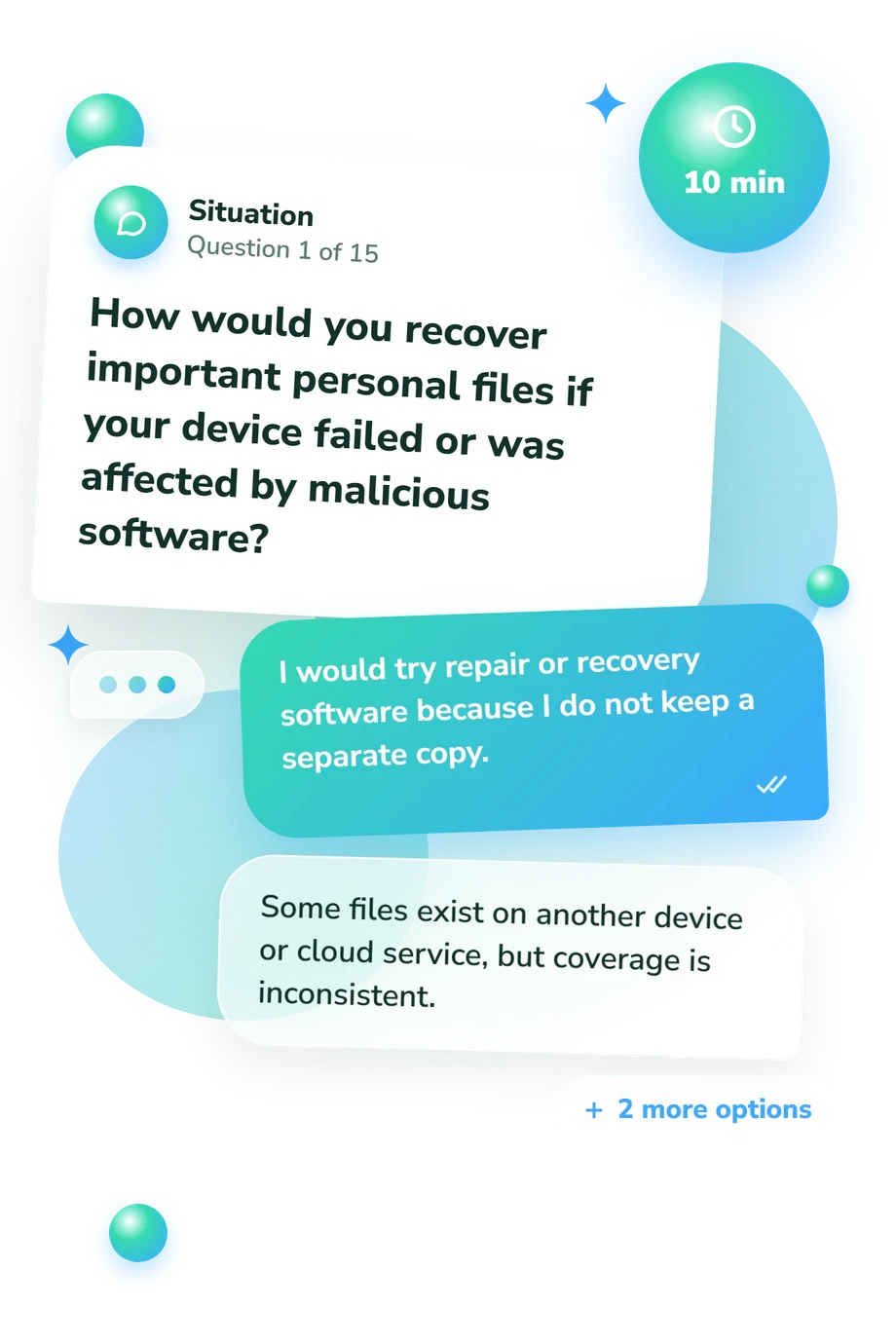
- I would try repair or recovery software because I do not keep a separate copy.
- Some files exist on another device or cloud service, but coverage is inconsistent.
- Important files are backed up regularly to one separate location.
- Important files are backed up automatically, and at least one copy is separated from the main device or account.
- I often postpone them until an app or device stops working properly.
- I install major updates after I have heard that they are stable.
- I install updates reasonably soon, although some apps may be overlooked.
- Automatic updates are enabled where practical, and I check devices or apps that require manual updates.
- The site has been checked and confirmed to be legitimate.
- The connection is encrypted, but the site itself could still be deceptive.
- The site's content is safe as long as the certificate has not expired.
- The connection has some protection, though I would mainly judge the site by how polished it looks.
Cyber Smart Quiz - Description and methodology of the test
People who want a clearer picture of their digital habits can use the Cyber Smart Quiz to see which decisions deserve attention. Presented as a cybersmart quiz, the assessment organizes its result into three areas, helping readers decide whether to focus on account routines, device safeguards, or judgment under pressure. The profile can also support a realistic next step, a conversation about shared habits, or a focused plan for learning.
What This Assessment Explores
The questions examine everyday choices about backups, updates, permissions, networks, links, alerts, and urgent requests. The result separates account protection, practical habits that reduce exposure across devices, apps, networks, and stored data, and threat evaluation.
The three displayed scales are:
- Account Access Protection (0-15) measures habits that prevent unauthorized access; 0-5 Foundations to strengthen, 6-10 Selective protection, and 11-15 Consistent protection.
- Device and Data Safety (0-15) measures safeguards across devices, apps, networks, and stored data; 0-5 Safeguards to build, 6-10 Partial resilience, and 11-15 Layered resilience.
- Threat and Scam Recognition (0-15) measures careful evaluation of messages, links, identities, and requests; 0-5 Cues to learn, 6-10 Growing judgment, and 11-15 Deliberate verification.
This online cybersecurity quiz is a useful baseline for practical reflection: higher bands indicate stronger habits, not guaranteed security in daily use.
Methodology and Scientific Basis
Most items use short scenarios followed by four response choices. The options generally move from convenience or appearance toward verification, limited permissions, backups, safer connections, and layered safeguards. This is a self-report measure of typical decisions, not an observation of behavior.
Scoring is reported separately for the three domains. The questionnaire does not publish how many points each response contributes, so the displayed bands are descriptive categories rather than a formula readers can reconstruct.
The structure is conceptually consistent with the SeBIS instrument, which examines intended security behaviors, but this questionnaire is a separate online tool, not an adaptation of that instrument. The 2016 SeBIS validation and the HAIS-Q study support caution: intentions and awareness inform, yet they do not perfectly capture behavior. Phishing decision-strategy research by Downs, Holbrook, and Cranor is especially relevant to the message, link, identity, and urgency scenarios.
As a practical cyber security quiz, this assessment describes selected habits, not a population ranking. Context, recent experiences, and self-awareness can affect answers, so use the profile as a focused guide for reflection and habit change.
- Egelman, Serge, and Eyal Peer. 2015. Scaling the Security Wall: Developing a Security Behavior Intentions Scale (SeBIS). In Proceedings of the 33rd Annual ACM Conference on Human Factors in Computing Systems, 2873-2882. Association for Computing Machinery. 10.1145/2702123.2702249
- Egelman, Serge, Marian Harbach, and Eyal Peer. 2016. Behavior ever follows intention? A validation of the Security Behavior Intentions Scale (SeBIS). In CHI 2016 - Proceedings of the 34th Annual Conference on Human Factors in Computing Systems, 5257-5261. Association for Computing Machinery. 10.1145/2858036.2858265
- Downs, Julie S., Mandy B. Holbrook, and Lorrie Faith Cranor. 2006. Decision Strategies and Susceptibility to Phishing. In Proceedings of the Second Symposium on Usable Privacy and Security, 79-90. Association for Computing Machinery. 10.1145/1143120.1143131
- Parsons, Kathryn, Dragana Calic, Malcolm Robert Pattinson, Marcus A. Butavicius, Agata McCormac, and Tara Zwaans. 2017. The Human Aspects of Information Security Questionnaire (HAIS-Q): Two Further Validation Studies. Computers & Security, 66, 40-51. 10.1016/j.cose.2017.01.004
Updated: