
Web Design Quiz
How the Scales are Structured
Who Usually Takes This Test?
See How You Compare
Below is a preview of how scores are typically distributed across each scale.
Example Questions From the Test
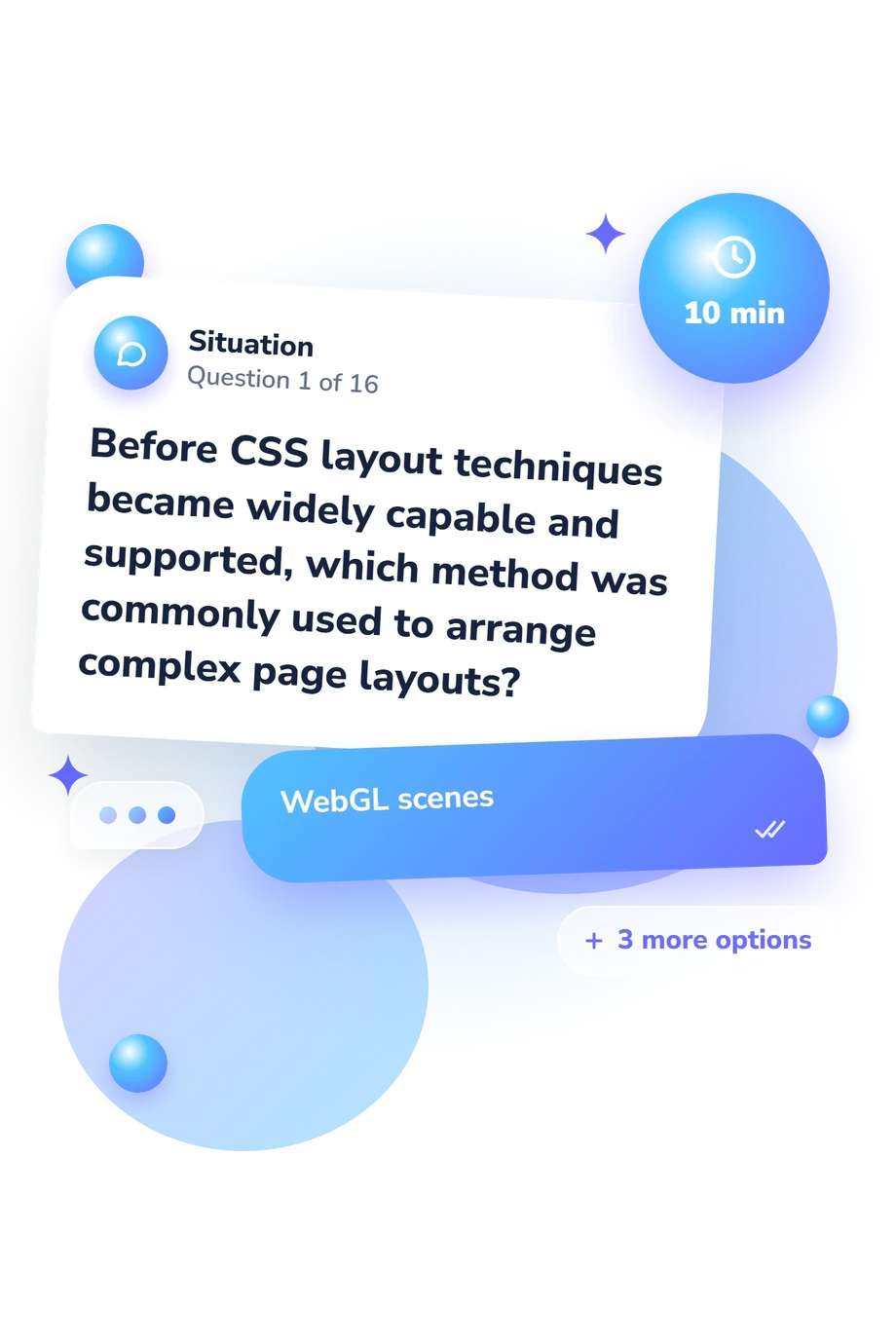
- WebGL scenes
- CSS Grid templates
- Nested HTML tables
- Shadow DOM components
- To control presentation, including layout, color, and typography
- To define the meaning and document structure of the content
- To store permanent user data in the browser
- To process requests on the web server
- View the course schedule
- More
- Read this
- Click here
Web Design Quiz - Description and methodology of the test
People who want to check their understanding against everyday front-end decisions can use this assessment as a focused learning checkpoint. The web design quiz connects visual choices with markup, styling, responsive behavior, accessibility, and web history. As an online web design assessment, it offers learners, content creators, and designers a clear snapshot of concepts to revisit next.
What This Assessment Explores
The assessment tests applied knowledge rather than personal taste. It asks how someone would handle problems involving structure, presentation, usability, and inclusive access. A web page design quiz helps learners and practitioners identify secure foundations and topics needing review.
The questions cover these practical areas:
- Semantic HTML shows how meaning and page landmarks are expressed in markup.
- CSS and layout test presentation, box-model reasoning, hierarchy, and spatial arrangement.
- Responsive design examines adaptation across screen sizes and progressive enhancement.
- Accessibility covers labels, link purpose, alternative text, contrast, and perceivable content.
- Web history links current conventions with the World Wide Web’s early development.
These themes produce one displayed result, Web Design Knowledge (0-16), with Foundation to Build (0-6), Developing Knowledge (7-12), and Strong Knowledge (13-16). It reflects breadth of understanding across foundational concepts and historical context, not creativity or complete professional readiness.
Methodology and Evidence Base
Each item presents a scenario or concept with four answer choices. The format tests recognition and application: the respondent selects the option that best fits a semantic, visual, technical, accessibility, responsive, or historical problem. As a website design quiz, it measures knowledge areas rather than portfolio quality or open-ended design ability.
The questionnaire reports one aggregate total on a 0-16 range and does not state a separate weighting system. Read it as a broad performance indicator, not a differentiated profile.
Robbins and Gustafson (2025) is the closest conceptual reference for the HTML, CSS, image, layout, and scripting knowledge represented here. The questionnaire is conceptually consistent with that work, not an adaptation of it. WCAG 2.2 supports the accessibility principles, Marcotte’s framework supports responsive items, and Berners-Lee and colleagues supply the historical context.
This online knowledge check is not presented as a standardized instrument: published norms, reliability estimates, and validated diagnostic cutoffs are not stated. Guessing, prior exposure, and current concentration can affect performance, so the result is best used to guide study and self-reflection rather than certify web-development competence.
- Robbins, Jennifer Niederst, with Aaron Gustafson. Learning Web Design: A Beginner's Guide to HTML, CSS, JavaScript, and Web Images, 6th ed. O'Reilly Media, 2025.
- Campbell, Alastair, Chuck Adams, Rachael Bradley Montgomery, Michael Cooper, and Andrew Kirkpatrick, eds. Web Content Accessibility Guidelines (WCAG) 2.2. W3C Recommendation, 12 December 2024.
- Marcotte, Ethan. Responsive Web Design. New York: A Book Apart, 2011.
- Berners-Lee, Tim, Robert Cailliau, Ari Luotonen, Henrik Frystyk Nielsen, and Arthur Secret. "The World-Wide Web." Communications of the ACM 37, no. 8 (1994): 76-82. DOI 10.1145/179606.179671.
Updated: