
Internet Safety Quiz
How the Scales are Structured
Who Usually Takes This Test?
See How You Compare
Below is a preview of how scores are typically distributed across each scale.
Example Questions From the Test
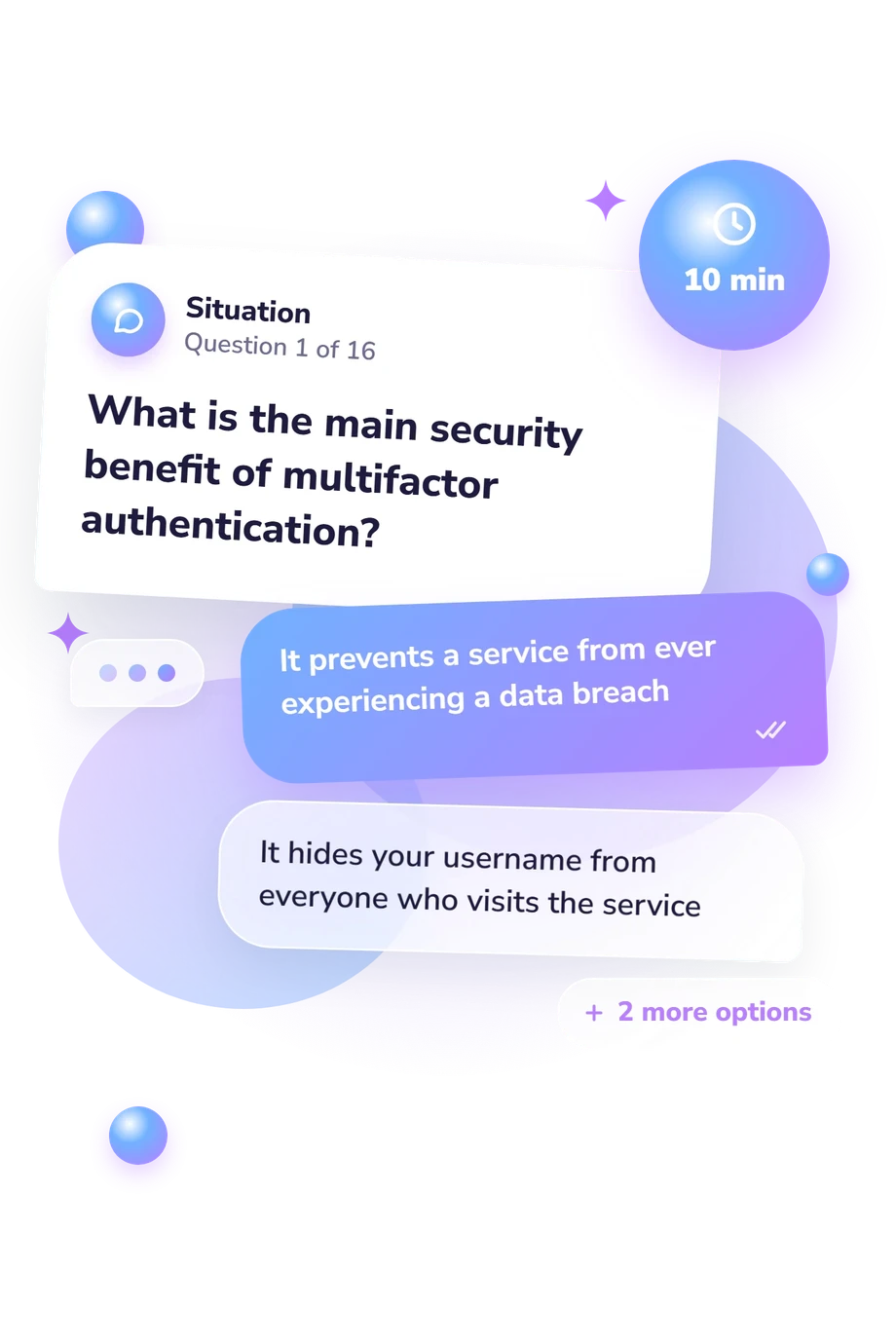
- It prevents a service from ever experiencing a data breach
- It hides your username from everyone who visits the service
- It automatically removes malicious software from your device
- It requires another form of verification if someone obtains your password
- A short password containing one uppercase letter, one number, and one symbol
- A long, randomly generated password or unrelated-word passphrase
- A family name followed by a birth year and punctuation mark
- A common phrase with several letters replaced by numbers
- Using a strong, unique password for every account
- Changing one shared password on a regular schedule
- Using separate versions of the same short password
- Adding the website's name to a password used elsewhere
Internet Safety Quiz - Description and methodology of the test
People who want to check their understanding of digital protections can use the internet safety quiz to see which kinds of online decisions they recognize confidently and which deserve closer review. It suits general readers who want a clearer picture of their current knowledge, whether they are refreshing familiar guidance or identifying topics to study next. The questionnaire's online safety quiz format turns familiar advice into concrete decisions to review.
What This Assessment Measures
Its focus is practical knowledge: recognizing safer choices for accounts, devices, connections, apps, and personal information. Scenarios test responses to suspicious messages, reused passwords, excessive permissions, public posts, unsafe networks, and phone resale. As an e safety quiz, it helps readers identify gaps in understanding protective decisions.
These questions fall into three practical areas:
- Account and access security measures recognition of safer choices involving authentication, passwords, recovery, breach response, and password managers.
- Threat and connection awareness measures understanding of phishing, links, certificate warnings, HTTPS limits, permissions, and networks.
- Device and information resilience measures knowledge of updates, downloads, resets, backups, ransomware, and public sharing.
The result is reported on Internet Safety Knowledge (0-16). Foundations to build (0-6) means core protections need review; Developing knowledge (7-12) reflects many safer practices; Strong knowledge (13-16) reflects broad understanding that must adapt as threats change.
Methodology and Evidence Base
Each item presents a short scenario with four choices, usually pairing a safer action with plausible alternatives. This format tests recognition and judgment, not behavior under pressure. The exact point value assigned to each response is not specified.
Conceptually, the content is consistent with the Cybersecurity Awareness INventory (CAIN), a published inventory for assessing cybersecurity knowledge in relation to ISO/IEC 27032. Its themes explain the emphasis on passwords, authentication, phishing, software, networks, backups, and privacy. Findings for CAIN should not be treated as validation of this online questionnaire, which is not presented as a standardized CAIN administration. A cybersecurity knowledge assessment such as this one is best read as a structured educational self-check.
Interpretation should focus on missed situations and protective choices to review, not a label alone. This digital safety quiz has no stated population norms or reliability estimates; its displayed bands are educational categories, not clinical thresholds. Because performance can depend on attention, prior knowledge, familiarity with real situations, and changing security practices, the educational score cannot guarantee that a device or account is secure.
- Tempestini, G., Rovira, E., Pyke, A., & Di Nocera, F. (2023). The Cybersecurity Awareness INventory (CAIN): Early Phases of Development of a Tool for Assessing Cybersecurity Knowledge Based on the ISO/IEC 27032. Journal of Cybersecurity and Privacy, 3(1), 61-75. 10.3390/jcp3010005
- Di Nocera, F., Tempestini, G., & Presaghi, F. (2025). Reliability and validity of the Cybersecurity Awareness INventory (CAIN). Behaviour & Information Technology, 44(7), 1417-1428. 10.1080/0144929X.2024.2355362
- International Organization for Standardization & International Electrotechnical Commission. (2012). ISO/IEC 27032:2012: Information technology - Security techniques - Guidelines for cybersecurity.
Updated: