
Gaming PC Quiz
How the Scales are Structured
Who Usually Takes This Test?
See How You Compare
Below is a preview of how scores are typically distributed across each scale.
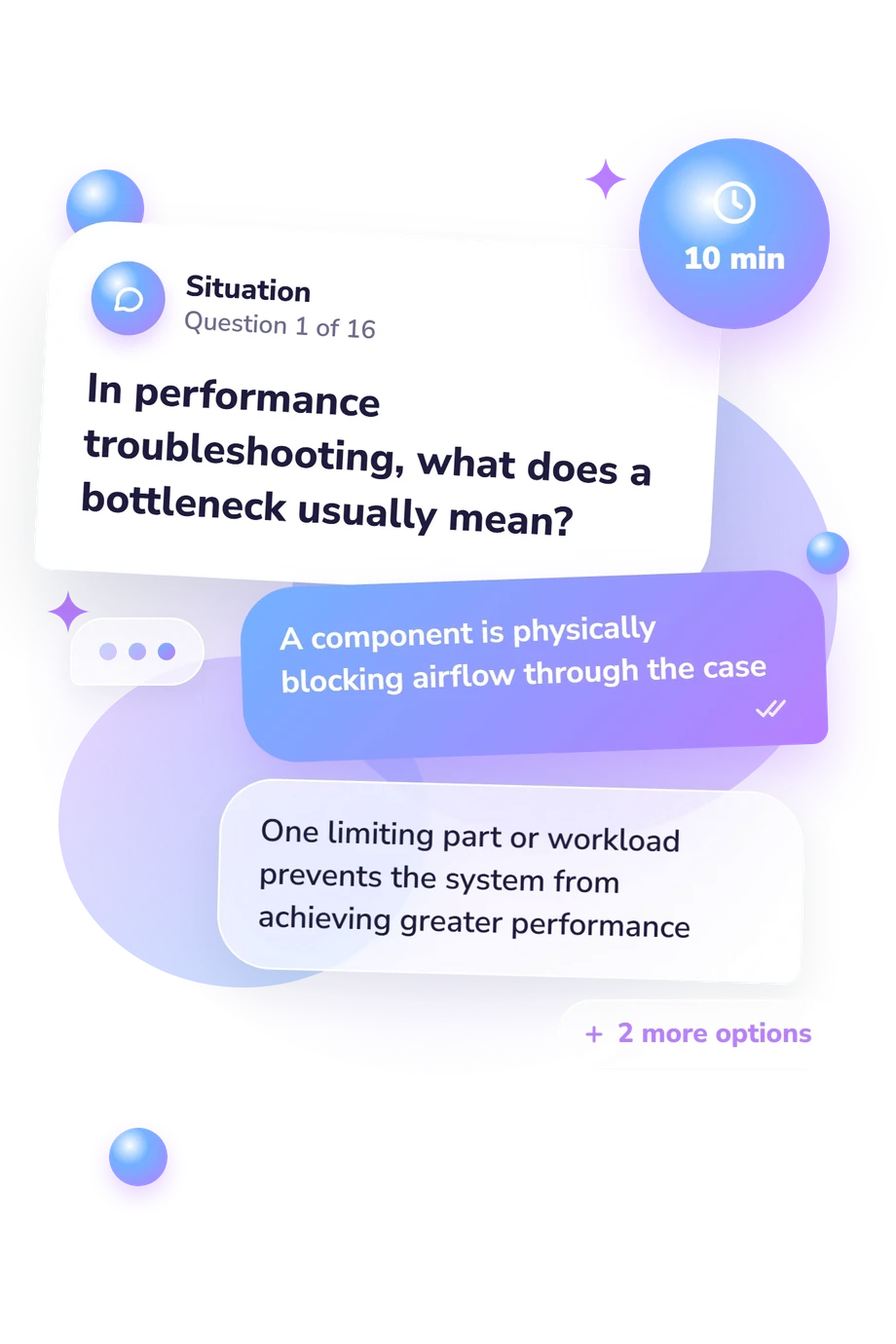
Example Questions From the Test
- It displays exactly 144 pixels per frame
- It guarantees every game will run at 144 frames per second
- It can refresh the displayed image up to 144 times per second
- It responds to input in exactly 144 milliseconds
- The GPU's pixel-rendering workload
- The amount of electrical power stored by the PSU
- The number of physical CPU cores in use
- The motherboard's available expansion slots
- Power supply unit (PSU)
- Graphics processing unit (GPU)
- System memory (RAM)
- Solid-state drive (SSD)
Gaming PC Quiz - Description and methodology of the test
People choosing components, planning an upgrade, or diagnosing uneven performance can use the Gaming PC Quiz to check practical understanding before making a hardware decision. It suits learners and experienced players who want a structured review of PC knowledge before deciding what PC to buy or upgrade for a planned gaming setup.
What This Assessment Explores
The questions examine hardware literacy through bottlenecks, refresh rates, resolution, component workloads, RAM, storage, power delivery, clearance, thermals, safety, and upgrade choices. They test whether a respondent can connect a symptom or specification with the component most likely to explain it.
The result clarifies what PC is right for them by addressing compatibility and performance; it does not generate a specific build. The sole displayed scale is Gaming PC Knowledge, scored from 0-16:
- Foundation to build (0-6) means basic concepts are present but component roles, compatibility, or troubleshooting need review.
- Developing knowledge (7-12) indicates that many core ideas are understood, with some performance or upgrade gaps remaining.
- Strong knowledge (13-16) reflects a reliable grasp of hardware, configuration, and practical diagnosis.
This profile can guide further reading and help buyers ask better questions about component roles, fit, thermals, and performance.
Methodology and Evidence Base
Each item presents a practical PC scenario or specification with four answer choices. The respondent selects the best explanation, check, or upgrade, applying concepts such as GPU-limited frame rates, RAM slot pairing, power-supply sizing, and cooler installation.
The scoring display summarizes performance as one educational result; its bands describe demonstrated knowledge. Someone deciding what kind of computer suits their needs can use it to identify gaps and frame questions about compatibility.
These topics are conceptually consistent with Wiley Pathways PC Hardware Essentials and Cisco Networking Academy’s IT Essentials materials, which address component functions, compatibility, installation, safety, and troubleshooting. The National Research Council’s fluency framework and Sharp’s 2010 content-validity study offer conceptual models for organizing IT skills, not evidence of this questionnaire’s validity, norms, or scoring. This questionnaire is not an adaptation or validation of those works and has no norming or standardization.
Prior experience, guessing, and recent study can affect this result; it is not a professional certification. Someone considering the best computer for their needs can use it to plan next steps and consult current requirements and manufacturer documentation.
- Groth, David, Ron Gilster, and Megan Miller. Wiley Pathways PC Hardware Essentials. 1st ed. Hoboken, NJ: John Wiley & Sons, 2008. ISBN 978-0-470-07400-8.
- Cisco Networking Academy. IT Essentials Companion Guide v8. 1st ed. Indianapolis, IN: Cisco Press, 2023. ISBN 978-0-13-816-610-6.
- Sharp, Marcia. "Development of an Instrument to Measure Students' Perceptions of Information Technology Fluency Skills: Establishing Content Validity." Perspectives in Health Information Management 7 (Summer 2010): 1a.
- National Research Council. Being Fluent with Information Technology. Washington, DC: The National Academies Press, 1999. 10.17226/6482.
Updated: