
Computer Quiz
How the Scales are Structured
Who Usually Takes This Test?
See How You Compare
Below is a preview of how scores are typically distributed across each scale.
Example Questions From the Test
- Central processing unit (CPU)
- Random-access memory (RAM)
- Solid-state drive (SSD)
- Power supply unit (PSU)
- Guaranteed accuracy of every claim on the website
- Permanent protection from malware downloads
- Faster processor performance on the user's device
- Encrypted communication and authentication using TLS
- Operating as a search engine that owns the page
- Acting as a web browser that retrieves and displays web content
- Serving as the computer's operating system
- Functioning as the website's hosting server
Computer Quiz - Description and methodology of the test
People who want a clear snapshot of everyday technology skills can use this computer quiz to identify strengths and study priorities. It suits learners, employees, and curious users who want to understand how confidently they handle hardware, software, files, networking, and online safety. An online quiz about computer skills can make that first check approachable while keeping the result focused on practical knowledge rather than personal identity or aptitude.
What This Assessment Explores
This questionnaire checks foundational knowledge for ordinary computer use, not advanced programming or a particular brand. As a computer basics quiz, it covers hardware, software, files, networking, and safer responses to suspicious messages. The result points to strengths and useful study priorities.
One Computer Knowledge scale (0-16) measures practical command of foundational computer technology. Results fall into Foundations to Build (0-6), Developing Knowledge (7-12), or Strong Computer Knowledge (13-16). The band describes performance on these items at the time of answering, not a permanent limit.
The main topic groups are:
- Hardware and software items show whether you can match components and programs with their functions.
- File and data items indicate understanding of formats, algorithms, storage, and spreadsheet references.
- Networking and security items reveal how you interpret browsers, DNS, gateways, HTTPS, phishing, and backups.
Methodology and Scientific Basis
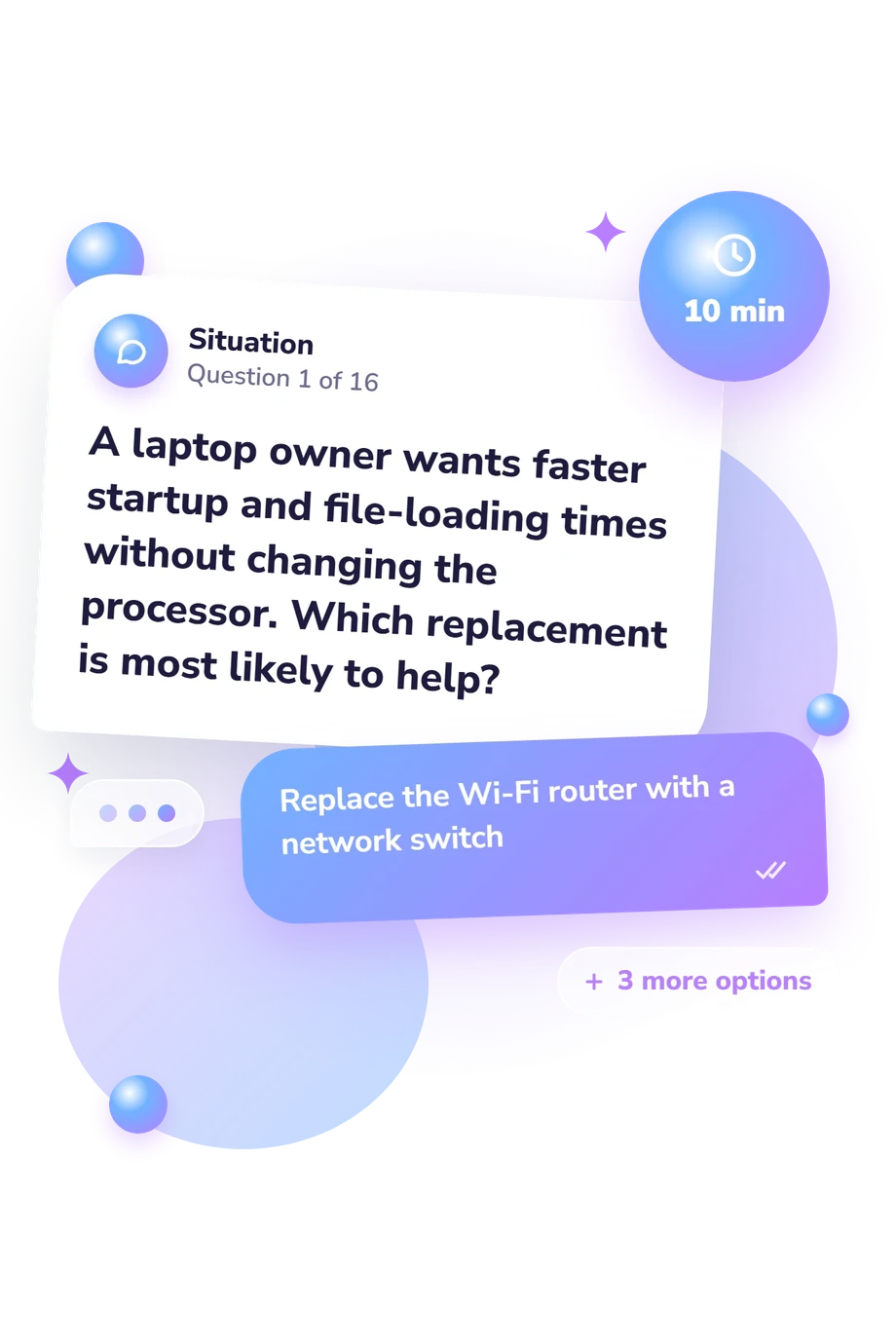
Each item presents a practical situation with four answer options, and the respondent selects the best answer. Topics include storage, processing, file formats, web communication, network configuration, and phishing. It functions as a quiz in computer fundamentals, emphasizing recognition and application of everyday concepts.
Scoring is objective: each correct response adds one point to the total. The displayed bands describe performance on these items, not a norm-based ability estimate or prediction of future learning.
Its evidence base is conceptually consistent with the Basic Computer Proficiency Test (Bradlow et al., 2002), which uses objective items to examine demonstrated computer proficiency. It is also compatible with the standardized approach described by Simonson et al. (1987) and with van Vliet et al. (1994), who compared self-appraisal with objective performance. The questionnaire is not a standardized adaptation of those instruments.
Guessing, attention, language, prior experience, and current context can affect results. Use missed areas to guide learning, treating the score as a focused snapshot rather than a complete measure of computer competence.
- Bradlow, Eric T., Stephen J. Hoch, and J. Wesley Hutchinson. "An Assessment of Basic Computer Proficiency Among Active Internet Users: Test Construction, Calibration, Antecedents and Consequences." Journal of Educational and Behavioral Statistics, 27(3), 237-253, 2002. 10.3102/10769986027003237
- Simonson, Michael R., Matthew Maurer, Mary Montag-Torardi, and Mary Whitaker. "Development of a Standardized Test of Computer Literacy and a Computer Anxiety Index." Journal of Educational Computing Research, 3(2), 231-247, 1987. 10.2190/7CHY-5CM0-4D00-6JCG
- van Vliet, Paul J. A., Marilyn G. Kletke, and Goutam Chakraborty. "The measurement of computer literacy: a comparison of self-appraisal and objective tests." International Journal of Human-Computer Studies, 40(5), 835-857, 1994. 10.1006/ijhc.1994.1040
Updated: