
Phishing Quiz
How the Scales are Structured
Who Usually Takes This Test?
See How You Compare
Below is a preview of how scores are typically distributed across each scale.
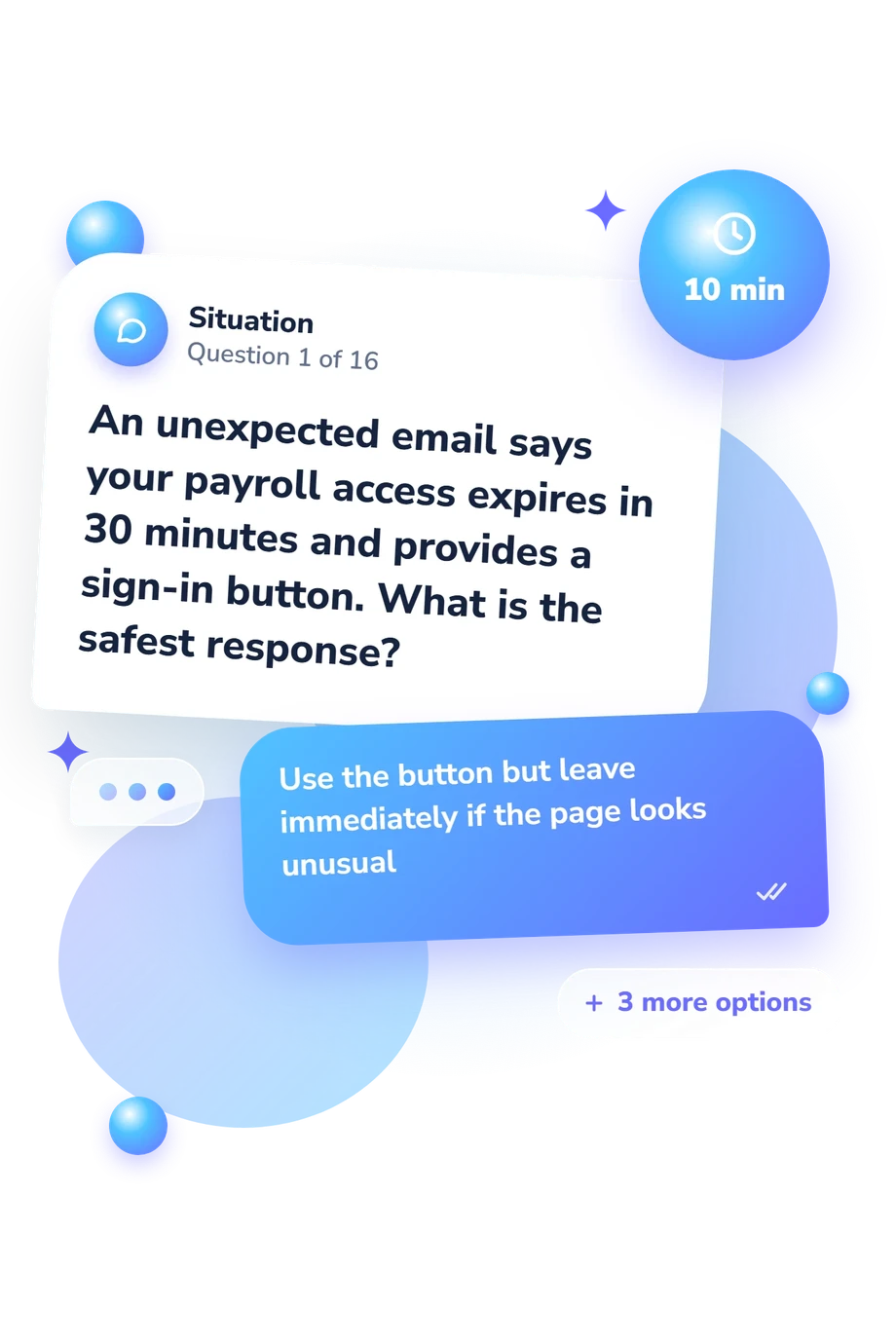
Example Questions From the Test
- Transport encryption
- Email list tracking
- Use of a legitimate corporate subdomain
- Typosquatting with a look-alike domain
- The bank has necessarily outsourced its email service
- The message is encrypted because two identities are shown
- The email definitely contains a malicious attachment
- A familiar display name does not prove who sent the message
- The destination URL associated with the link
- The wording displayed as the clickable text
- The sender's displayed name
- The company logo beside the link
Phishing Quiz - Description and methodology of the test
People who handle email, workplace messages, or online account alerts can use this phishing quiz to practise recognizing pressure, impersonation, deceptive links, and unsafe requests. It suits anyone who wants a clearer picture of current detection habits, whether learning independently or reviewing everyday security decisions. An employee-focused quiz about phishing can also support focused awareness discussions without treating one score as a complete measure of behavior.
What This Assessment Measures
Scenarios assess whether a respondent can separate deceptive signals from ordinary communication and choose a safer next step. They cover links, files, payment requests, login pages, sender identity, multifactor prompts, QR codes, and urgency. The result reflects applied knowledge in these situations, not a fixed trait or guarantee of future performance.
The questions and answers about phishing emphasize three result areas:
- Phishing Knowledge (0-16) shows how consistently the respondent applies detection principles: Foundational awareness (0-6), Developing detection (7-12), or Strong awareness (13-16).
- Link and identity checks show whether destinations, domains, sender details, and security signals are inspected rather than trusted at face value.
- Urgency and response decisions show whether unusual requests are verified, credentials are protected, and suspicious activity is reported.
Methodology and Evidence Base
Each item presents a brief scenario with four response options. The safest or most accurate choice is scored, so the total reflects performance across these decisions rather than a clinical classification. It does not prove that a message is legitimate.
The approach is conceptually consistent with Phish Scale (Steves et al., 2020), which considers message cues and audience-context fit in detection difficulty; this questionnaire is not an adaptation of that scale. NIST guidance adds a practical lens for cues, premise alignment, and task difficulty. Here, those ideas organize realistic judgments, not a standardized version of either source.
Ribeiro, Guedes, and Cardoso linked phishing susceptibility with interacting influences, including detection self-efficacy in their study. That evidence supports reading this result as one indicator among factors shaping behavior. A quiz with answers about phishing can make reasoning visible and guide practice in checking destinations, protecting credentials, and reporting suspicious activity.
Because the questionnaire is brief and non-normed, scores should be interpreted in context. Workload, urgency, prior training, attention, and honest self-report can change performance; the result cannot guarantee protection or diagnose susceptibility.
- Steves, Michelle, Kristen Greene, and Mary Theofanos. "Categorizing human phishing difficulty: a Phish Scale." Journal of Cybersecurity 6, no. 1 (2020): tyaa009. 10.1093/cybsec/tyaa009
- Dawkins, Shanee, and Jody Jacobs. NIST Phish Scale User Guide. NIST Technical Note 2276. Gaithersburg, MD: National Institute of Standards and Technology, 2023. 10.6028/NIST.TN.2276
- Ribeiro, Liliana, Ines Sousa Guedes, and Carla Sofia Cardoso. "Which factors predict susceptibility to phishing? An empirical study." Computers & Security 136 (2024): 103558. 10.1016/j.cose.2023.103558
Updated: