
Front End Developer Quiz
How the Scales are Structured
Who Usually Takes This Test?
See How You Compare
Below is a preview of how scores are typically distributed across each scale.
Example Questions From the Test
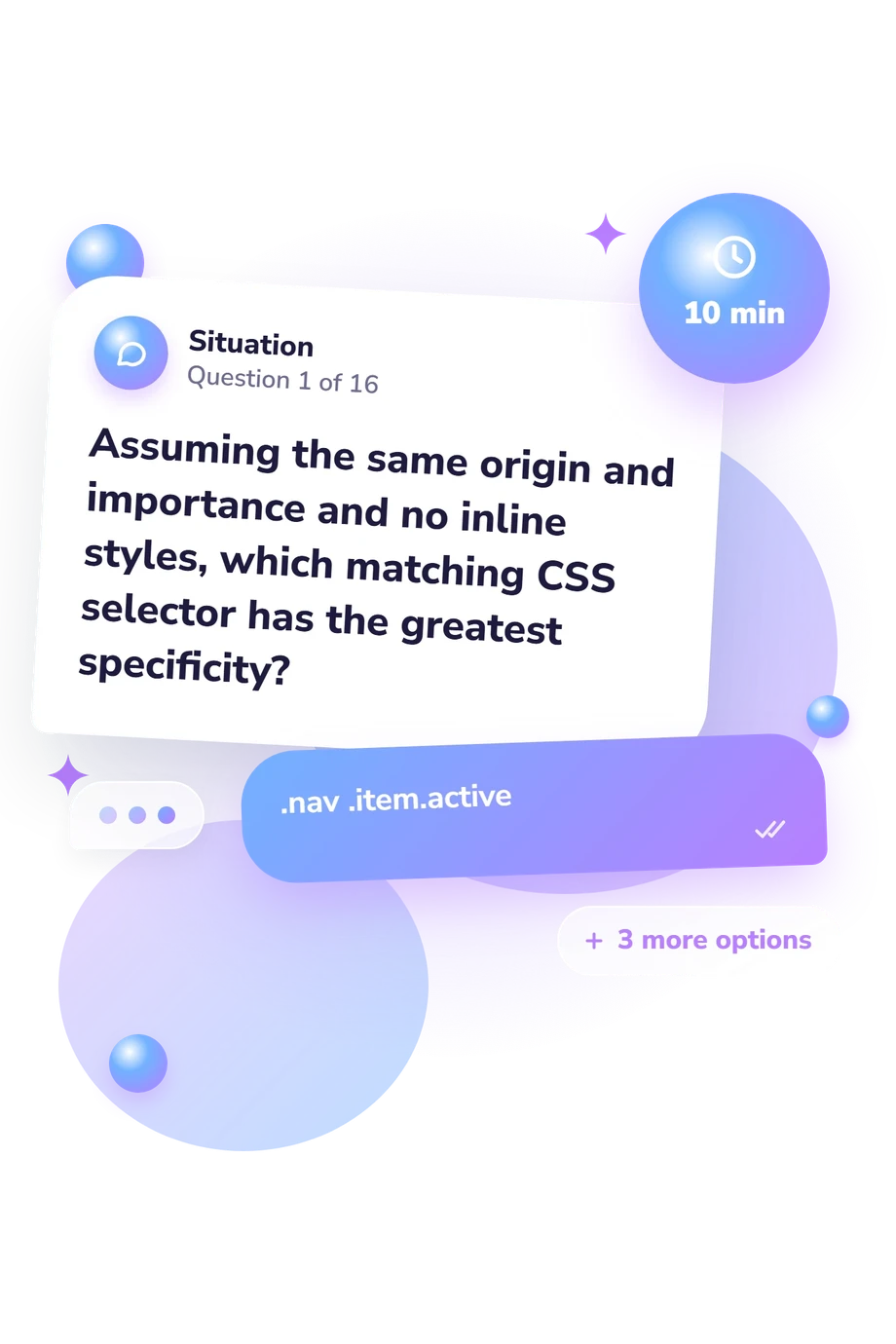
- .nav .item.active
- #site-nav a
- header nav a
- a.item:hover
- [4, 8]
- [2, 4, 6, 8]
- [1, 3]
- [2, 4]
- overflow: hidden
- max-width: 300px
- display: block
- box-sizing: border-box
Front End Developer Quiz - Description and methodology of the test
People preparing for study, interviews, or day-to-day implementation can use this front end developer quiz to identify relevant web foundations and study areas. It samples decisions that arise when building interfaces, working with browser behavior, and supporting accessible interaction. A result from this front end development quiz can highlight which areas deserve deliberate practice rather than leaving preparation to guesswork.
What This Assessment Measures
This assessment checks applied web literacy across practical decisions rather than one framework or coding language. The result reflects whether you can recognize sound patterns, browser behavior, and accessible implementation.
The main areas sampled are:
- HTML and DOM semantics cover images, forms, labels, and safe plain-text insertion.
- CSS covers specificity, box sizing, units, and grid layout.
- JavaScript covers arrays, equality, modules, promises, and task order.
- Accessibility covers names, live regions, keyboard use, and semantics.
- Browser fundamentals cover caching, event delegation, and resource handling.
One overall scale, Front End Development Knowledge (0-16), uses Foundations to Build (0-6), Developing Knowledge (7-12), and Strong Knowledge (13-16). It shows how broadly you recognized the sampled concepts; this front end quiz is an educational snapshot, not professional certification, and can guide study or review.
Methodology and Evidence Base
Items use a best-answer format: each technical situation has four alternatives, with one satisfying the requirement. They combine conceptual knowledge, code reading, and standards-based decisions, so distractors represent weaker implementations.
Scoring counts correct responses on the single knowledge scale. Performance indicates how securely you handled sampled concepts, such as semantic HTML, asynchronous JavaScript, and CSS layout. This online questionnaire has no published norms or standardization; its displayed bands are criterion bands tied to correct-answer ranges, not comparisons with a reference population. As a front quiz before deeper study, it works best as a checkpoint for choosing what to practise next.
The questionnaire is conceptually consistent with Lindley (2019) on organizing web-development knowledge, but is not an adaptation of that work. Park, Dorn, and Forte (2015) support treating HTML and CSS errors as teachable in web-development learning. ECMAScript 2024 supports the tested JavaScript concepts, and WAI-ARIA 1.2 supports its accessibility concepts, including names, labels, live announcements, and interaction semantics.
As an online knowledge test, it depends on reading and may vary with practice or familiarity with the wording; coding and debugging provide useful corroboration.
- Lindley, Cody. Front-End Developer Handbook 2019. Frontend Masters, 2019.
- Park, Thomas H., Brian Dorn, and Andrea Forte. An Analysis of HTML and CSS Syntax Errors in a Web Development Course. ACM Transactions on Computing Education 15, no. 1 (2015): 1-21. 10.1145/2700514.
- Ecma International. ECMAScript 2024 Language Specification, 15th edition. Ecma International, 2024. Project editors: Allen Wirfs-Brock, Brian Terlson, Jordan Harband, Shu-yu Guo, Michael Ficarra, and Kevin Gibbons.
- Diggs, Joanmarie, James Nurthen, Michael Cooper, and Carolyn MacLeod, editors. Accessible Rich Internet Applications (WAI-ARIA) 1.2. W3C Recommendation, June 6, 2023.
Updated: