
Excel Quiz for Interview
How the Scales are Structured
Who Usually Takes This Test?
See How You Compare
Below is a preview of how scores are typically distributed across each scale.
Example Questions From the Test
- =TEXT(A1,""0"")
- =VALUE(A1)
- =TYPE(A1)
- =ISTEXT(A1)
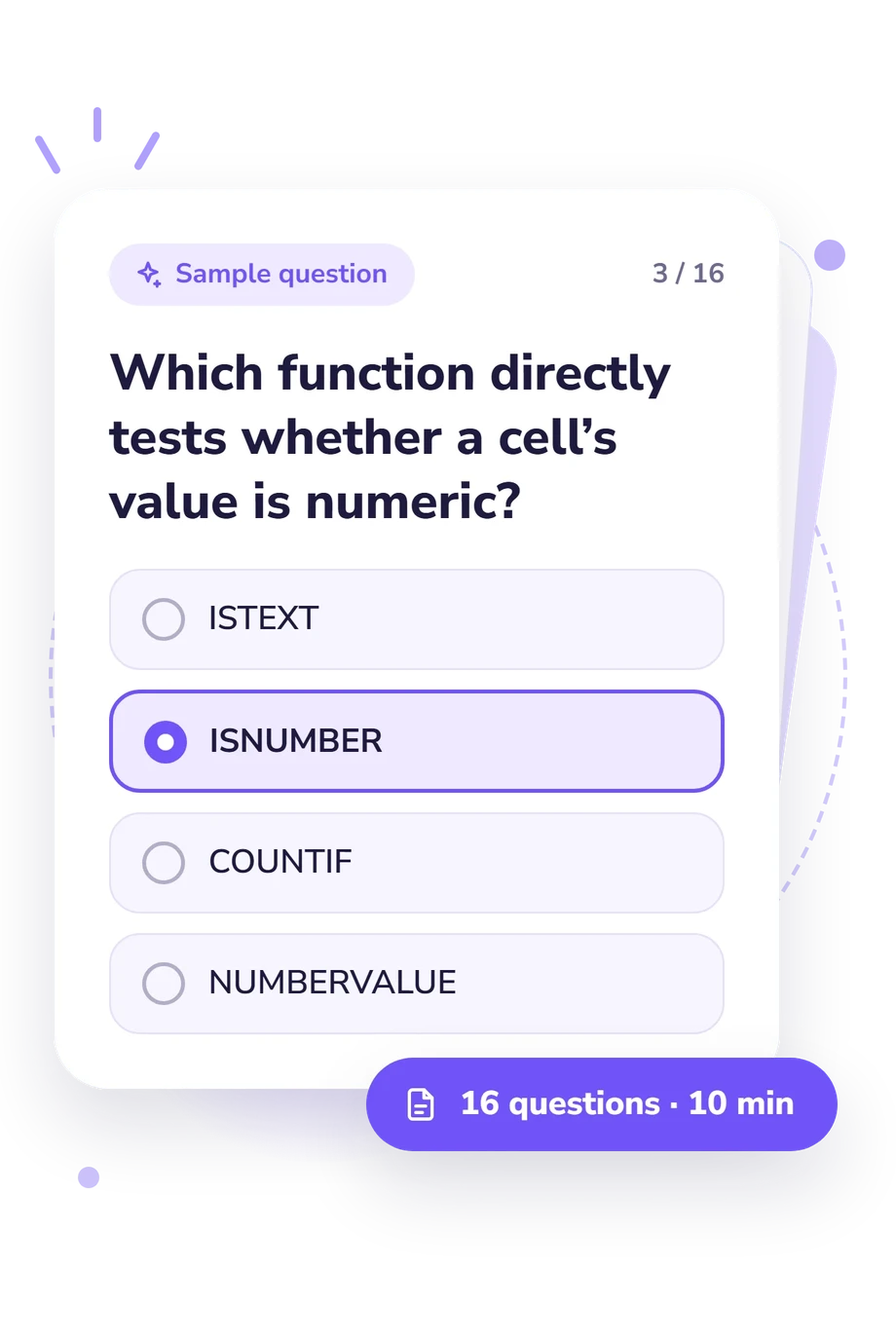
- ISTEXT
- ISNUMBER
- COUNTIF
- NUMBERVALUE
- #DIV/0!
- 10
- 20
- #VALUE!
Excel Quiz for Interview - Description and methodology of the test
People preparing for spreadsheet-based hiring tasks can use the Excel Quiz for Interview to check whether their practical Excel knowledge matches the situations commonly tested in screening conversations. It suits learners, applicants, and working users who want a quick reality check before committing to further practice. As a free excel quiz, it turns specific mistakes into clear study priorities before an interview.
What This Assessment Explores
The questionnaire examines practical knowledge that affects how Excel stores, displays, interprets, and calculates values. Its topics include text-versus-number handling, logical values, serial dates, locale-sensitive imports, sorting, formula errors, aggregation, and exact-match lookup outcomes. Taken together, these questions form an Excel skills test that can reveal whether a respondent understands why Excel produces a particular output, not merely where to find a command.
The displayed scale is Excel Knowledge, scored from 0-16. Its result bands are:
- Foundations to build (0-6) indicates that some concepts are recognized, while data types, imports, sorting, or errors need review.
- Developing knowledge (7-12) shows understanding of common behaviors, with gaps that may surface in practical interview questions.
- Strong working knowledge (13-16) reflects solid understanding of data types and their practical consequences, not overall Excel mastery or guaranteed interview performance.
Methodology and Evidence Base
Each item presents a short Excel scenario with four answer choices. The respondent selects the behavior, value, or error that best matches normal worksheet operation. This is a structured knowledge check, not a personality or symptom scale. Its output summarizes performance on the tested topics rather than measuring complete spreadsheet ability.
The questionnaire is conceptually consistent with Excel behavior documented in Microsoft Support and discussed by Alexander and Kusleika (2025). Their technical guidance supports interpretation of VALUE, TYPE, COUNT, SUM, date serials, errors, text sorting, and locale-sensitive CSV imports.
The displayed bands are descriptive, and this online questionnaire has no established standardized norms or validation data. When preparing for Excel interview questions, use the result to guide practice: revisit data types when text behaves like a number, study locale controls for ambiguous dates, and check error meanings before relying on formulas. Interpretation should account for familiarity, wording, and testing context; honest answers make the profile useful. It is a practical self-assessment, not a permanent ability label.
- Broman, Karl W., and Kara H. Woo. "Data Organization in Spreadsheets." The American Statistician 72, no. 1 (2018): 2-10. 10.1080/00031305.2017.1375989.
- Alexander, Michael, and Dick Kusleika. Microsoft Excel 365 Bible. 2nd ed. Hoboken, NJ: John Wiley & Sons, 2025. ISBN 978-1-394-29824-2.
- Microsoft. "Excel Worksheet and Expression Evaluation." Microsoft Learn.
- Microsoft. "Set a Locale or Region for Data (Power Query)." Microsoft Support.
Updated: