
Computer Hardware Quiz
How the Scales are Structured
Who Usually Takes This Test?
See How You Compare
Below is a preview of how scores are typically distributed across each scale.
Example Questions From the Test
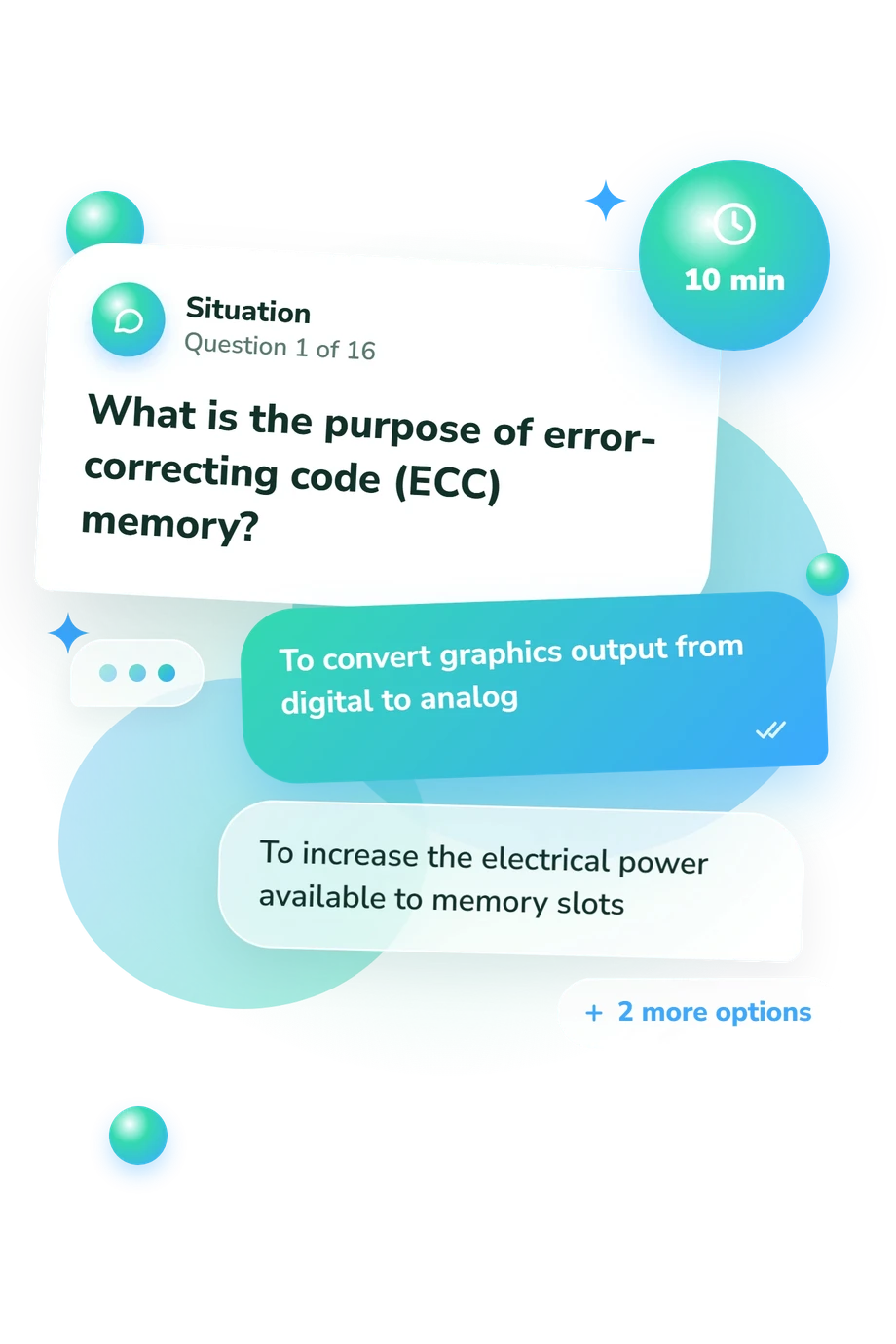
- To convert graphics output from digital to analog
- To increase the electrical power available to memory slots
- To permanently store backup copies of the operating system
- To detect and correct certain memory data errors
- CPU cache
- A storage drive such as an SSD or hard drive
- System RAM
- A processor cooling fan
- Providing permanent storage for files
- Executing instructions and performing calculations
- Converting wall power into regulated DC power
- Displaying images directly on the monitor panel
Computer Hardware Quiz - Description and methodology of the test
For readers who want a practical check of component knowledge, this computer hardware quiz examines how they handle everyday hardware decisions. Learners, home users, PC builders, and entry-level support candidates can use it as a basic quiz on computer hardware when they want a structured result rather than an isolated fact check. The outcome identifies topics worth reviewing without claiming to represent every aspect of technical ability.
What This Assessment Explores
The assessment links core hardware knowledge with building, upgrading, and troubleshooting a desktop. It checks component roles, compatibility, performance symptoms, and practical decisions. It suits anyone learning or using mainstream PC hardware.
Practical scenarios make the questions and answers about computer hardware relevant to four areas:
- Component roles show whether you distinguish CPU, RAM, storage, graphics, power, and cooling.
- Compatibility shows whether you match sockets, chipsets, BIOS support, memory slots, and power connections.
- Performance reasoning shows whether paging, thermal throttling, or high GPU use lead you to a suitable upgrade.
- Troubleshooting situations reveal how you interpret missing video, lost firmware settings, or slow loading.
The assessment uses one Computer Hardware Knowledge scale spanning 0-16. Its bands are Foundations to build (0-6), Developing knowledge (7-12), and Strong knowledge (13-16). The result indicates how securely the tested concepts were handled.
Methodology and Evidence Base
Each item gives a definition or desktop scenario with four answer choices. The computer hardware knowledge test asks for recognition, comparison, and applied reasoning. The result condenses performance into one summary of component, compatibility, and troubleshooting knowledge.
This selected-response format records performance on the displayed scale; no separate weighting rule or item-level formula is stated for this online version. The result is therefore a snapshot of tested knowledge rather than a norm-referenced score.
Chang and Wang (2005) offers a conceptual comparison by treating information-technology skill as practical competence assessed through structured responses. Simonson and colleagues (1987) is relevant to organizing computer-literacy knowledge into a test. This questionnaire is conceptually consistent with those works, not an adaptation or reproduction of either instrument.
Andrews, Dark Shelton, and Pierce (2023), together with Pengelly and Taylor (2018), support the coverage of component functions, power, storage, memory, compatibility, and troubleshooting. These sources support the subject matter but do not establish norms or validation for this online version.
Prior study, terminology familiarity, guessing, and similar scenarios can influence answers; hands-on ability may differ from selected-response knowledge.
- Chang, Jen-Chia, and Ju-Ping Wang. "A Survey Study of the Information Staffs’ Information Technology Skills Self-Rating in Taipei Senior High Schools." Journal of National Taipei University of Education, vol. 18, no. 2, 2005, pp. 131-152.
- Simonson, Michael R., Matthew Maurer, Mary Montag-Torardi, and Mary Whitaker. "Development of a Standardized Test of Computer Literacy and a Computer Anxiety Index." Journal of Educational Computing Research, vol. 3, no. 2, 1987, pp. 231-247. 10.2190/7CHY-5CM0-4D00-6JCG
- Andrews, Jean, Joy Dark Shelton, and Nicholas Pierce. CompTIA A+ Guide to Information Technology Technical Support. 11th ed., Cengage Learning, 2023. ISBN 978-0-357-67416-1.
- Pengelly, James, and Pamela J. Taylor. The Official CompTIA A+ Core 1 Study Guide (Exam 220-1001). Course Edition 1.0, CompTIA, 2018.
Updated: